I'm having trouble logging in
Last updated: April 24, 2025
No worries. We'll get you to the right place.
First, be sure you're logging in with the correct login method associated with your account.
A note about Crossmint wallets, NFTs, and chains
Please note that all Crossmint NFT wallets are cross-chain and NFTs from all supported chains live together in the same wallet.
So you don't need to log in with Metamask to see your ETH or Polygon NFTs, your Phantom to see your Solana NFTs, etc.
In fact, you can log in with Metamask and see Solana NFTs in your wallet ;)
Crossmint provides multiple login methods for convenience. Choose which one suits you best
Payments made with a credit card usually go to your email wallet unless otherwise specified. If you pay with cross-chain payments, your login will be whatever wallet you used for your cross-chain payment. So if you paid for a SOL NFT with ETH, you'll log in with Metamask in order to see the Solana NFT you bought.
Login Methods
Now, let's look at each login method to understand how each one works.
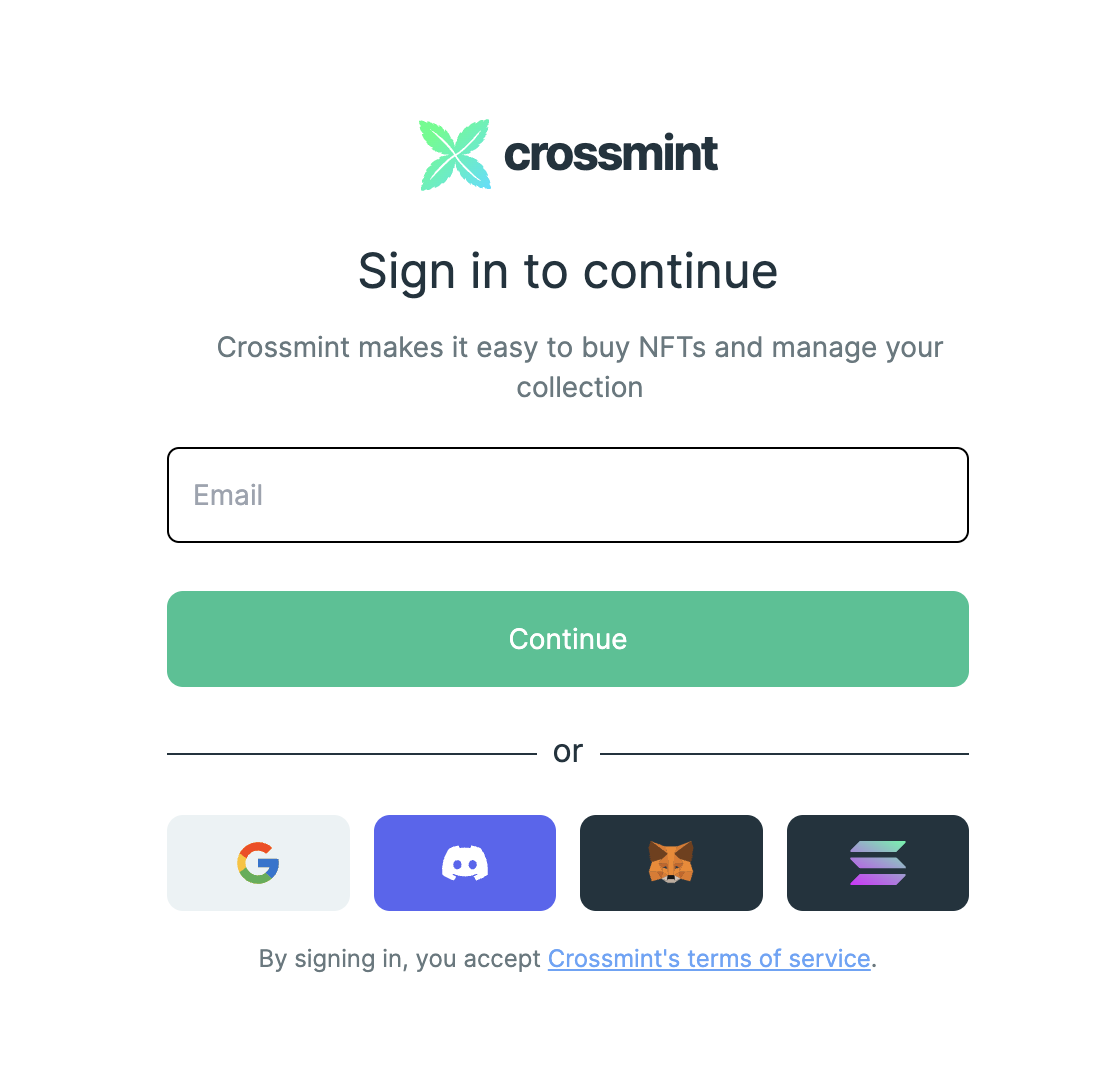
Logging in with email
If you've entered your email into the login box, you can check your email for a magic login link.
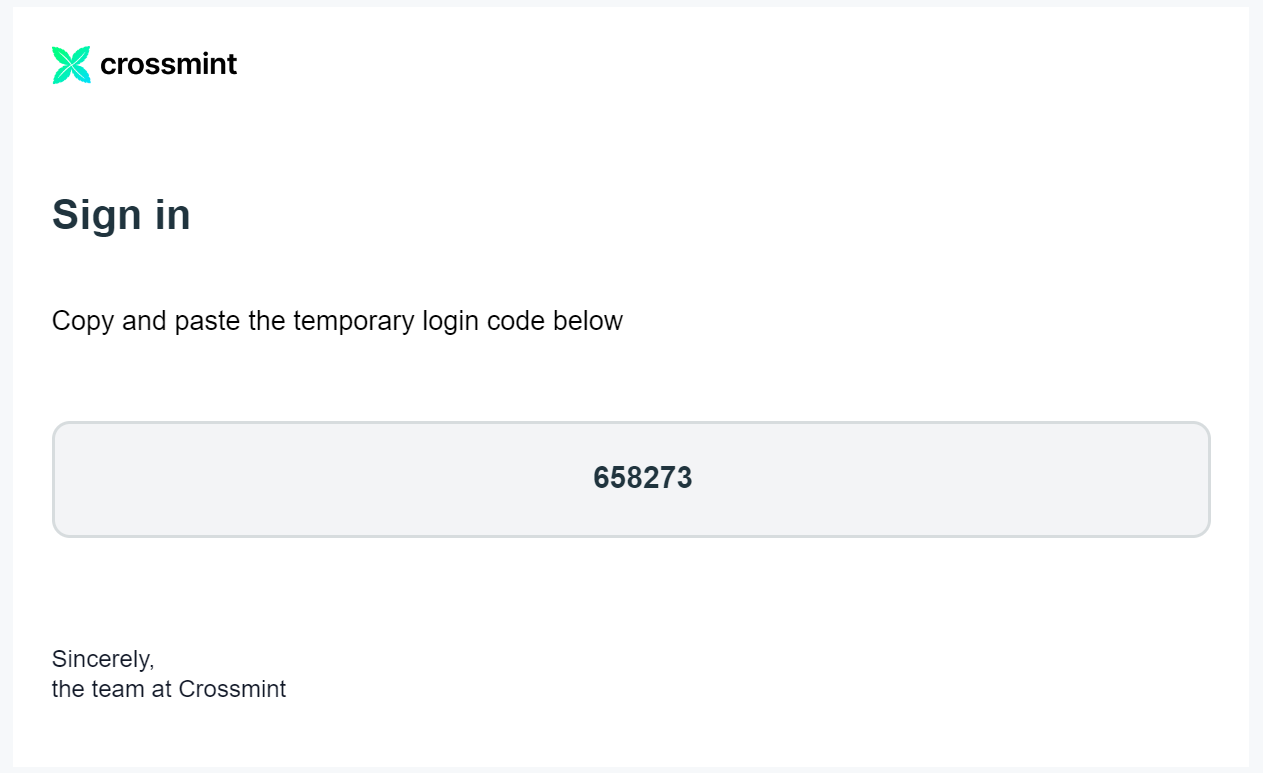
If you don't see it, it may be hidden by an email filter. You may need to search for "mailer@auth.crossmint.io" to find it.
When you find the email, click the magic link to log in. No passwords required.
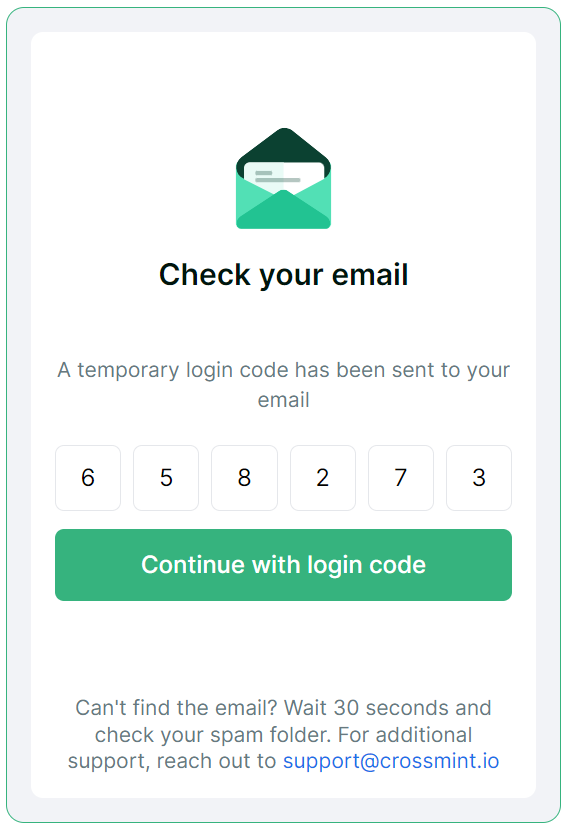
Or you can also copy-paste the code given and enter it into the login prompt that appears after you've entered your email:
Logging in with Google
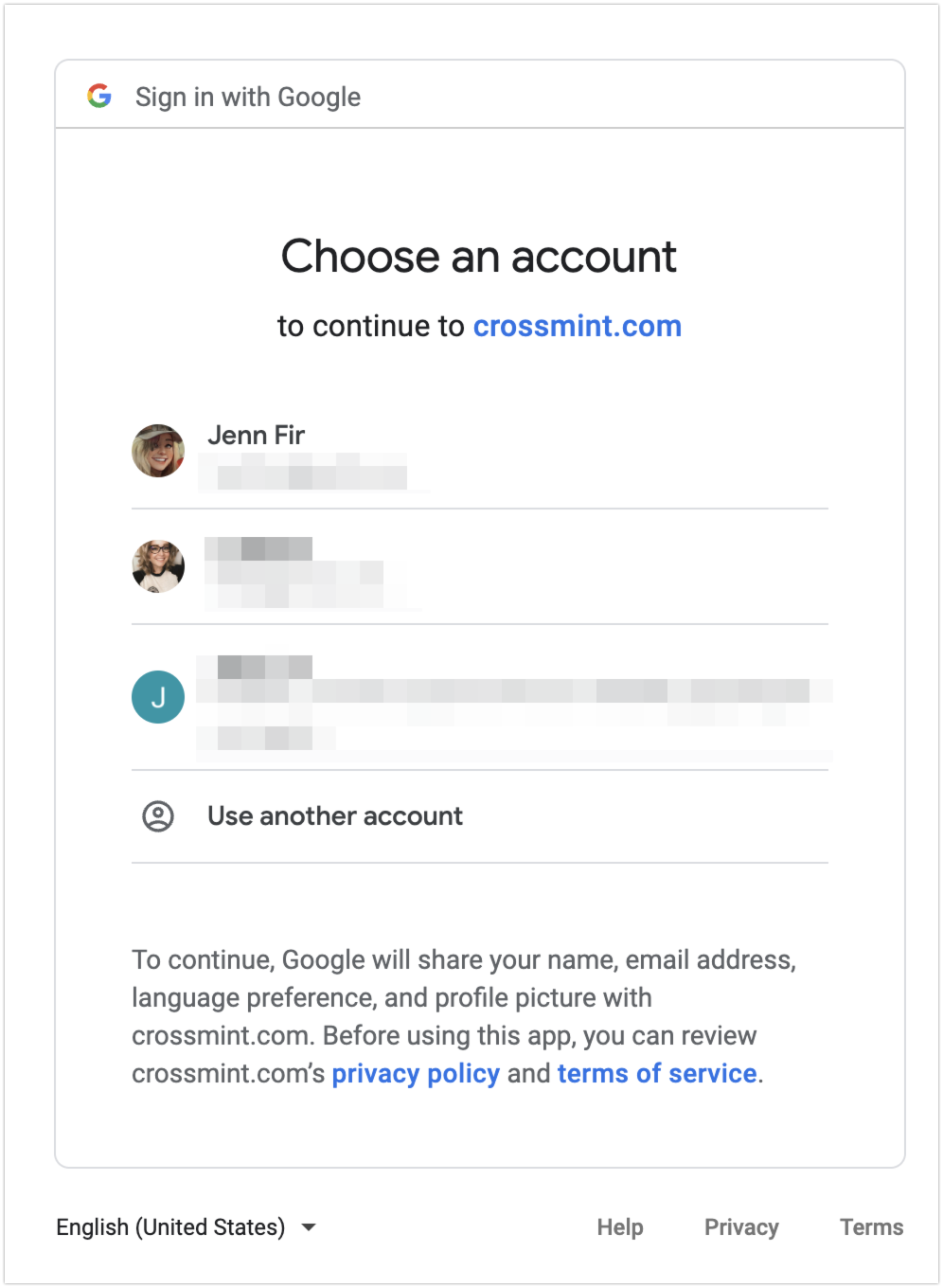
If you select the Google option, it will present you with a list of your Google accounts. Select the one you use with Crossmint.
Once you select your account, it should automatically log you into Crossmint.
Still having trouble?
Contact us here, and we'll get back to you as soon as possible. 💚